
Get paid from anywhere Get paid from
anywhere
In-store or on the go.
One app, more ways to get paid. In-store or on the go. One app, more ways to get paid.

Get paid, right from your phone

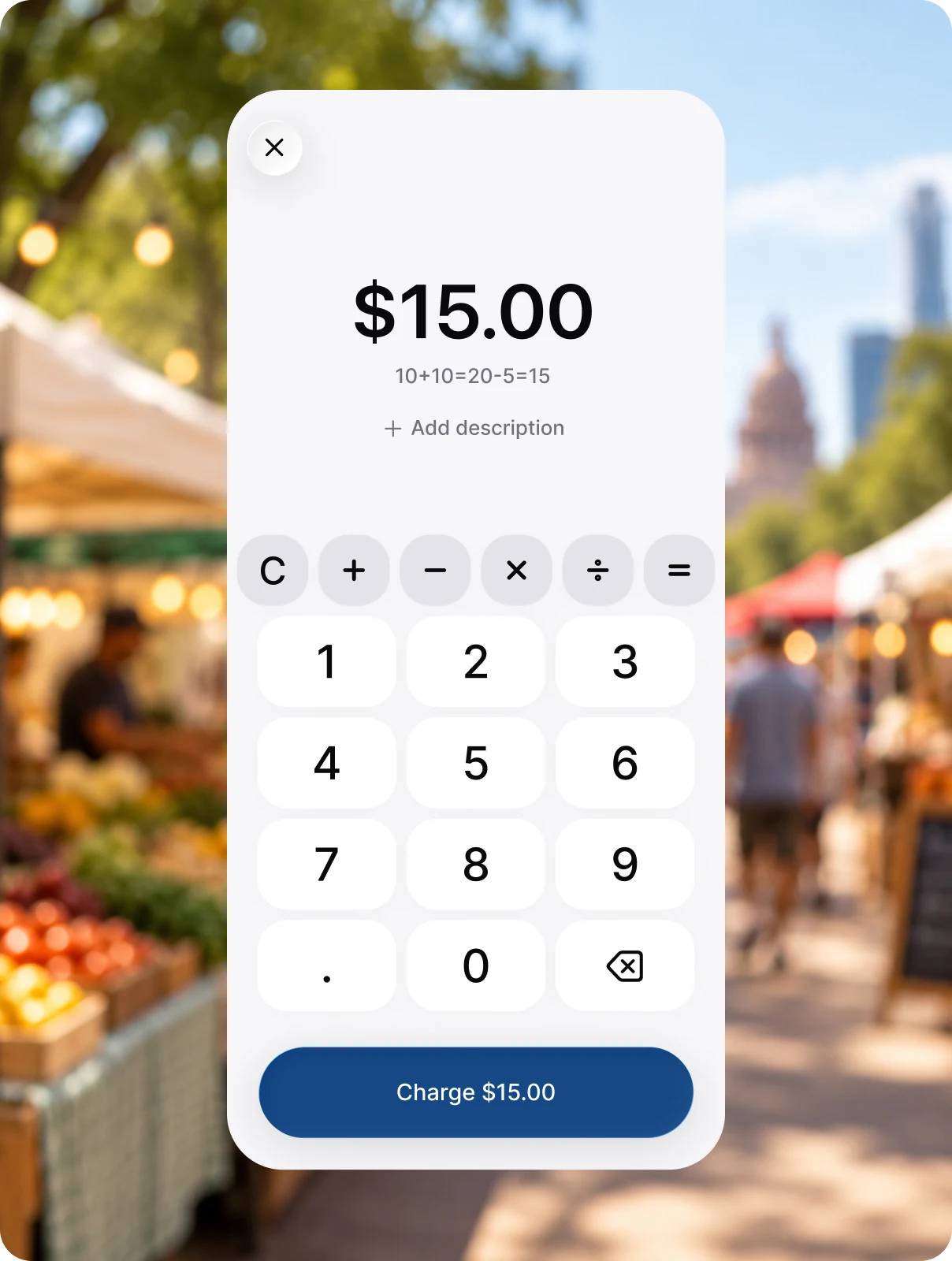
Enter the amount
Key in what your customer owes, add a note if needed, and charge them right from your phone. No card reader or extra hardware required.

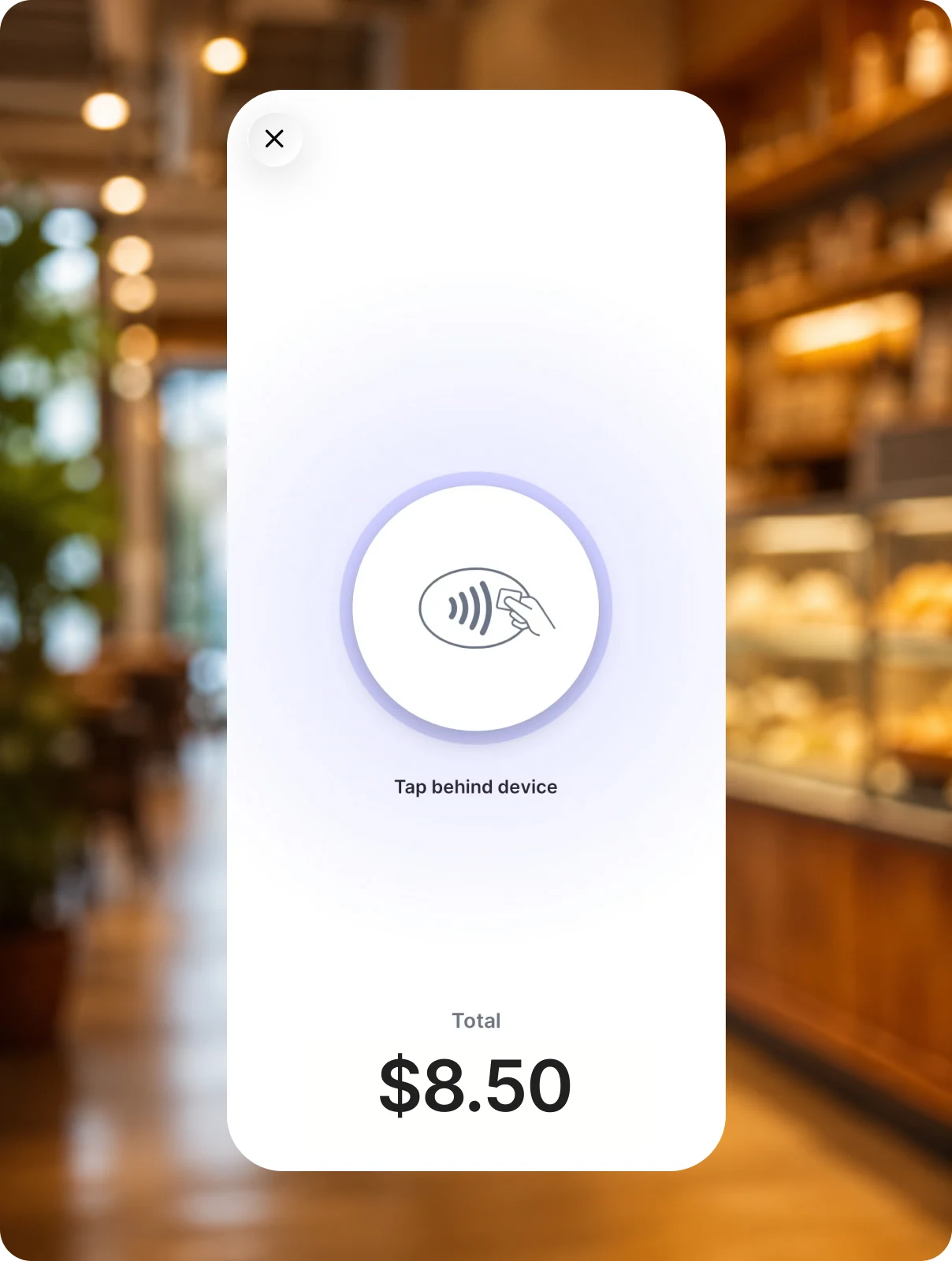
Tap to pay
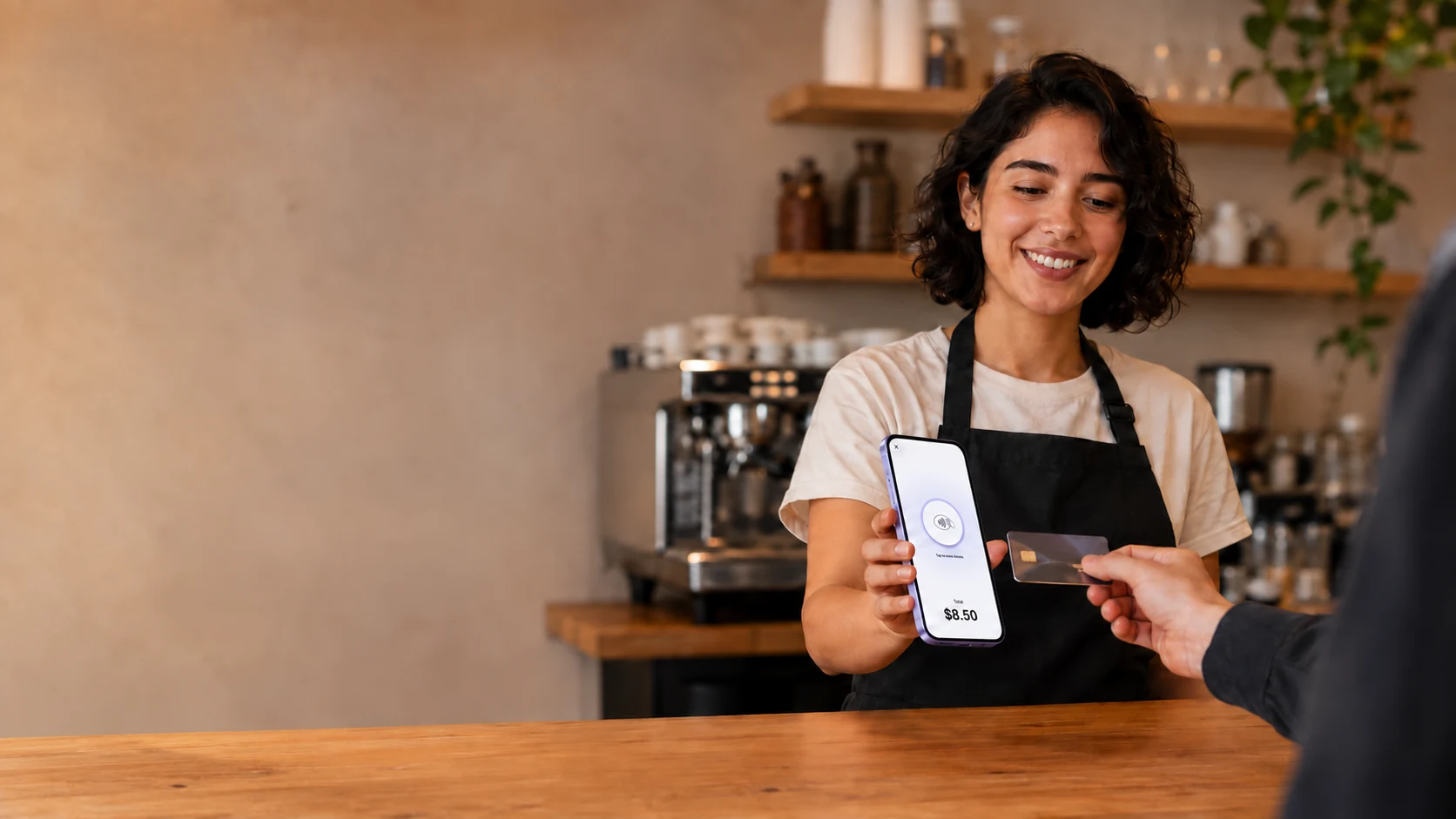
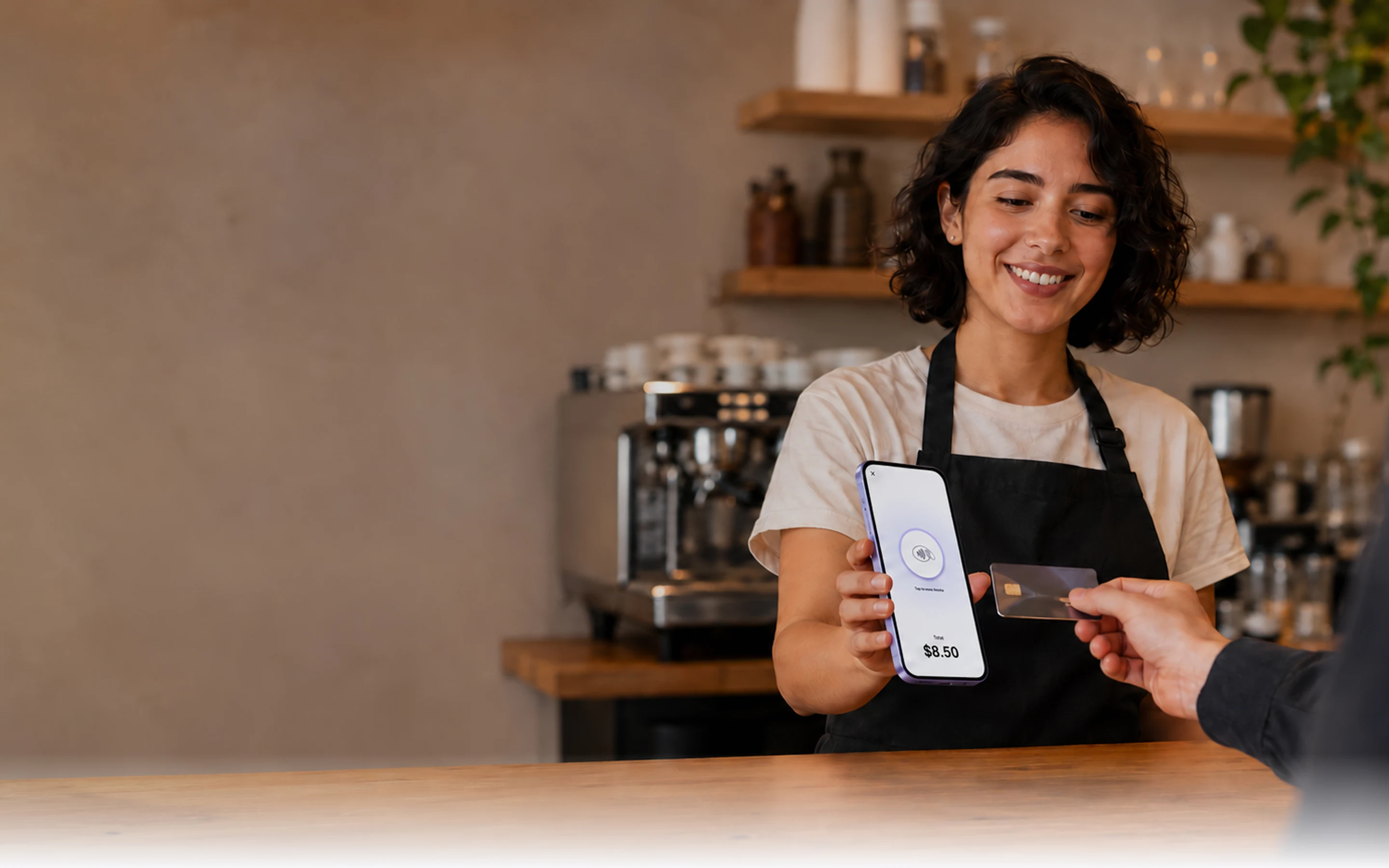
Hold out your phone and your customer taps their card or device against it. Works with supported contactless cards and digital wallets.

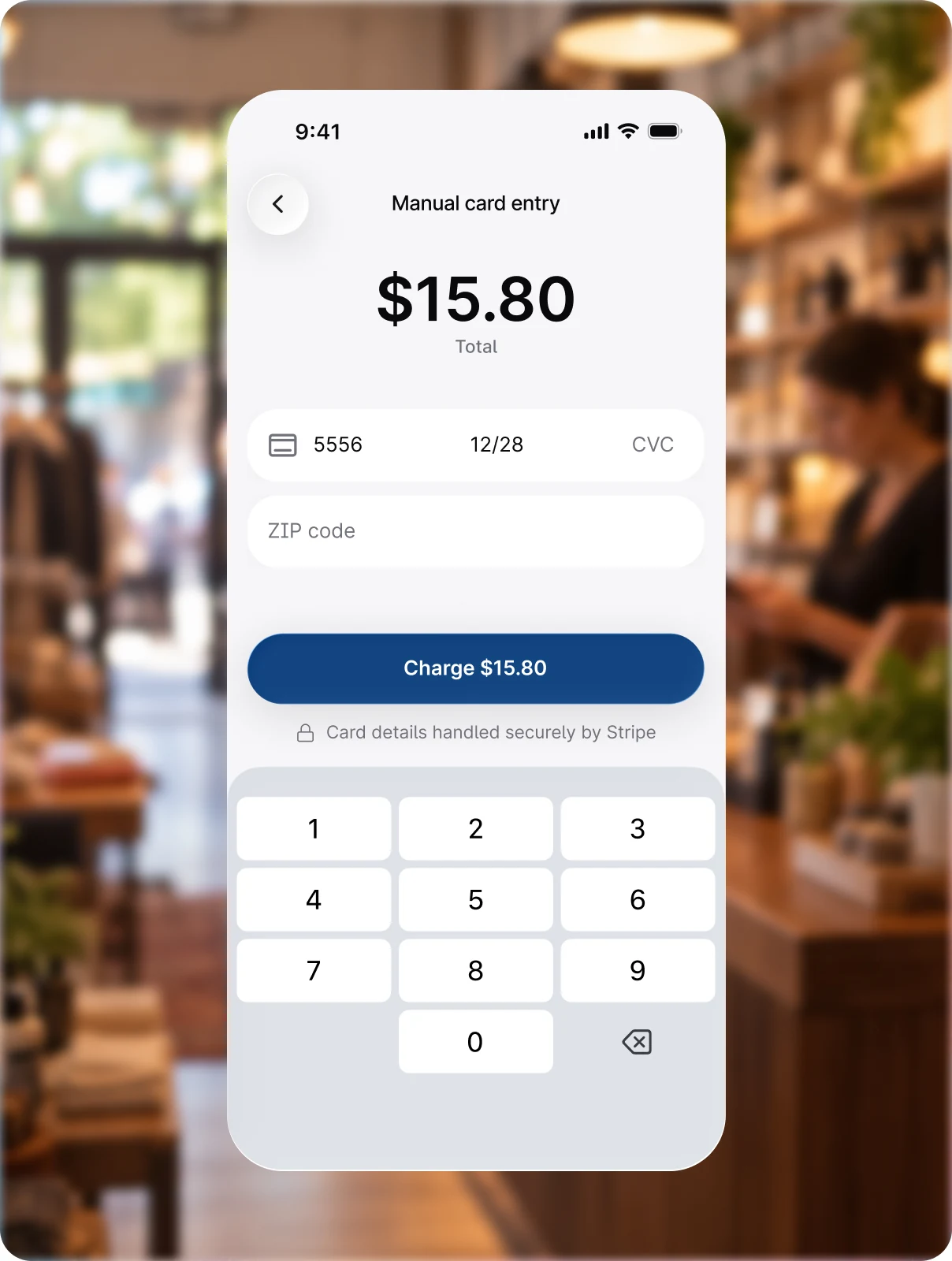
Enter card details
Type in a customer's card number directly on your phone. Works for phone orders, remote sales, or when a card's chip is not reading.

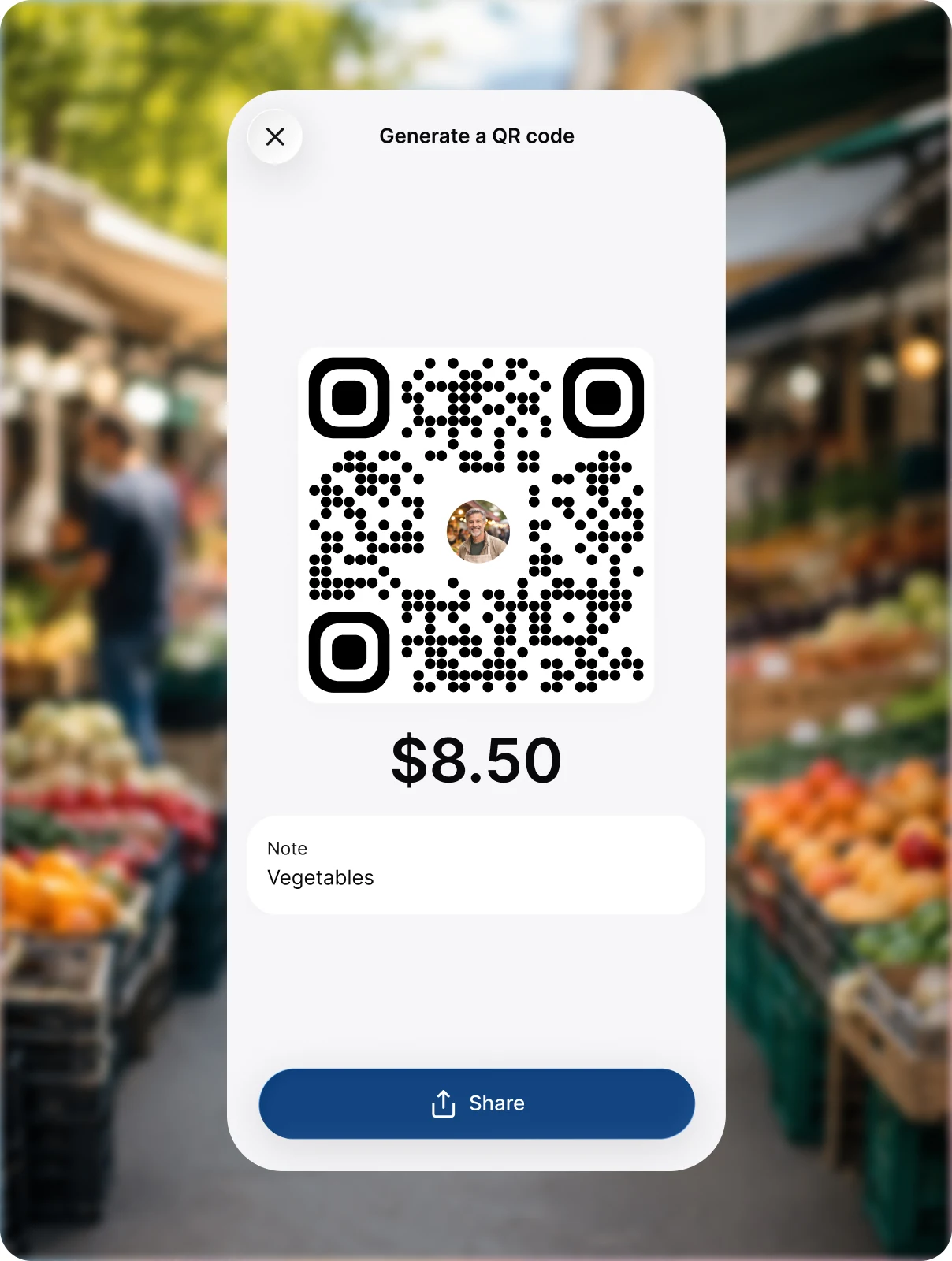
Show a QR code
Display a QR code on your screen and customers scan it with their phone to pay, or send the same checkout as a link. No physical contact or card needed on their end.
Accept payments from supported payment methods through the Quikcent platform. Available payment methods may vary by merchant, customer, and transaction type.

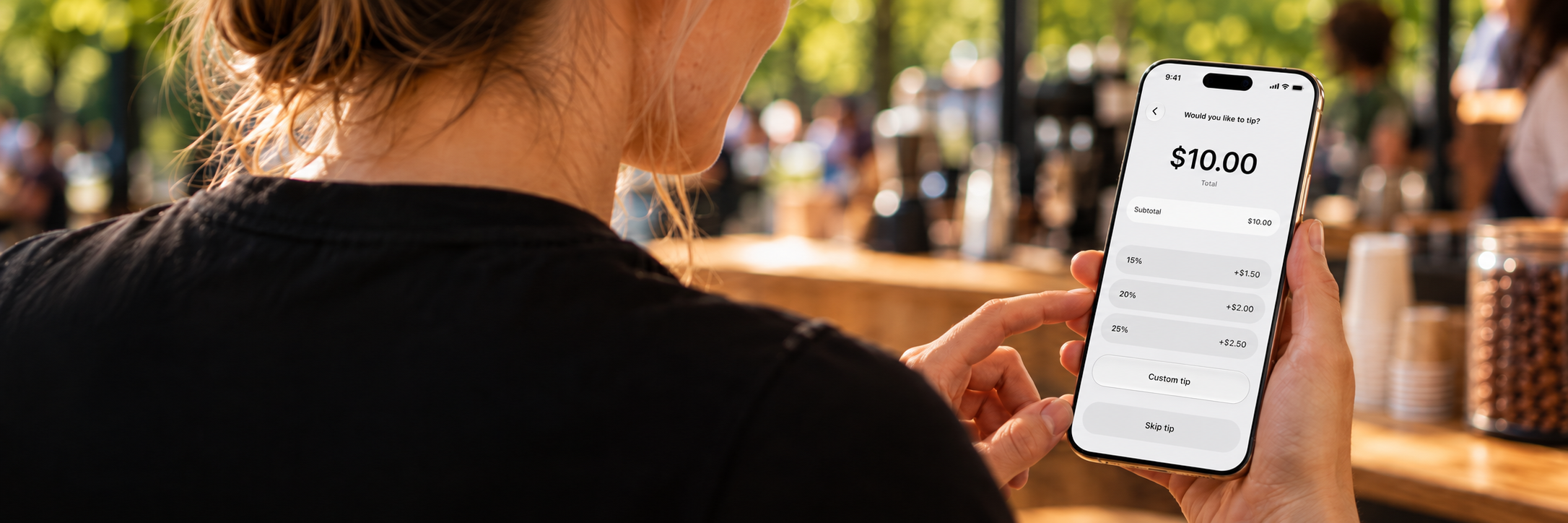
Tips and payment confirmations
Set your own tip percentages and send receipts to customers by email after every payment.
Control the fees.
View all fees
No reader to buy
Accept payments on your phone no extra devices needed.

No monthly fee on Free
You pay only when you take a payment.

Pricing built to scale
Pricing that grows with your business, with every fee shown before you confirm.
Standard transaction fees apply. Applicable fees are disclosed before you complete a transaction. Additional network or third-party fees may apply where permitted. See our Fee Schedule for details.
Every sale in one place
Track your sales and handle whatever comes after.
Sales History
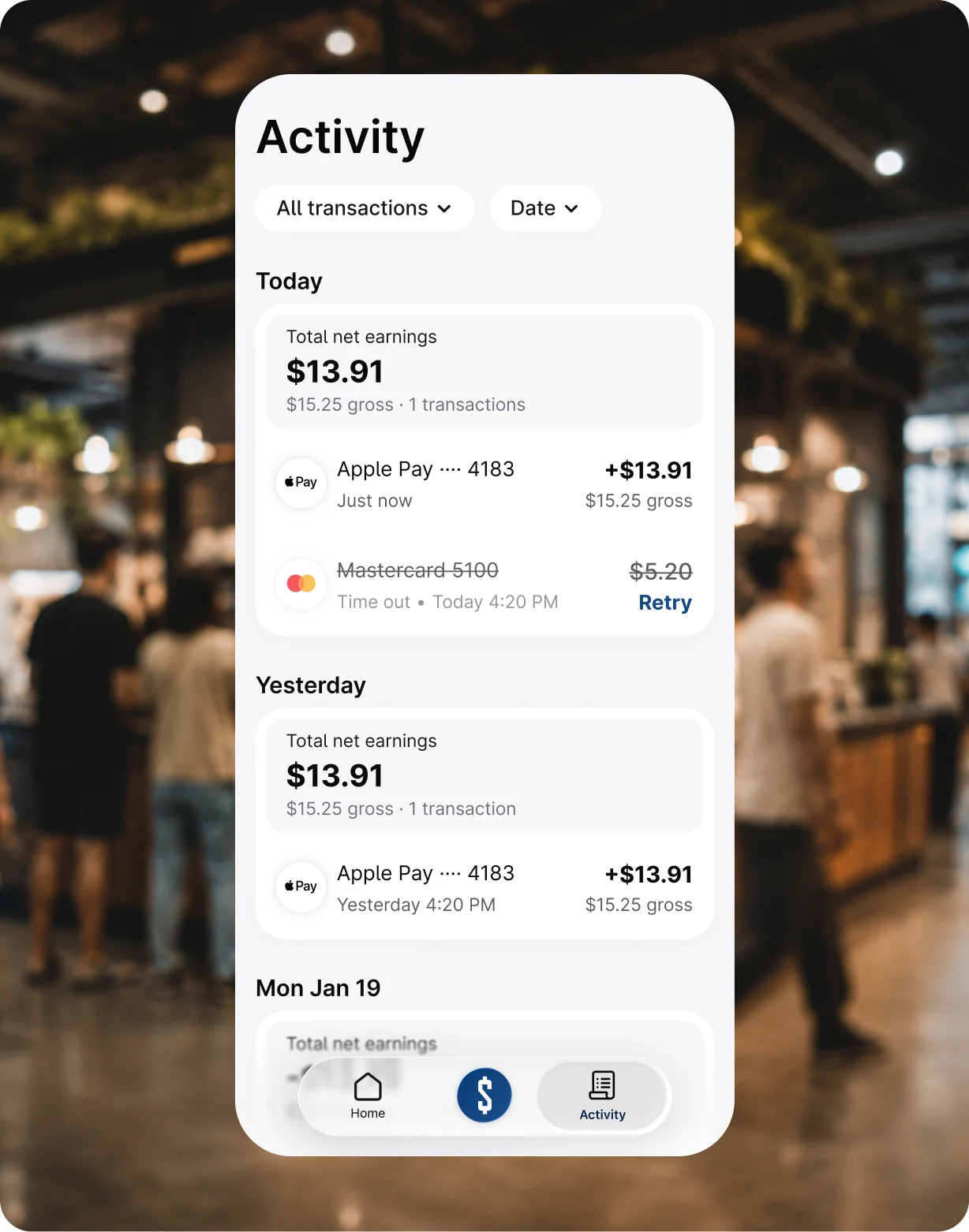
Sales appear instantly with amount, payment method, and time. Daily totals update automatically. Search by date, amount, or customer to view details.



Receipts
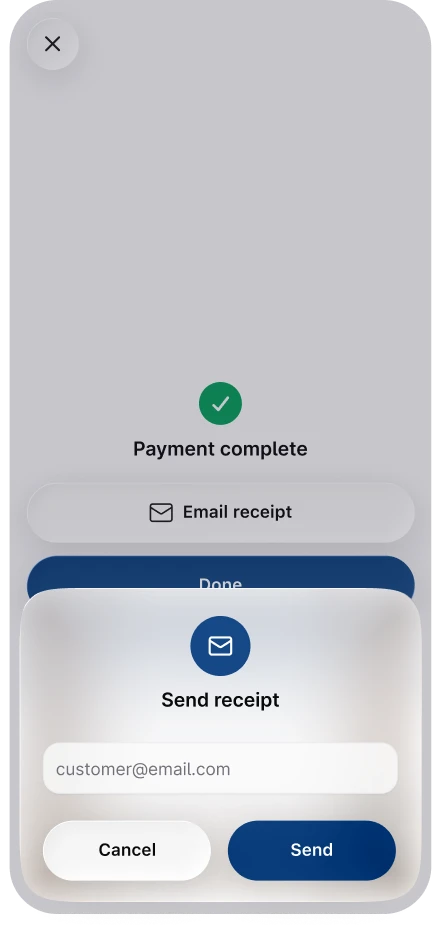
Send your customer a receipt as soon as the sale is done. They get a clear record of what they paid, and a copy stays attached to the original sale.


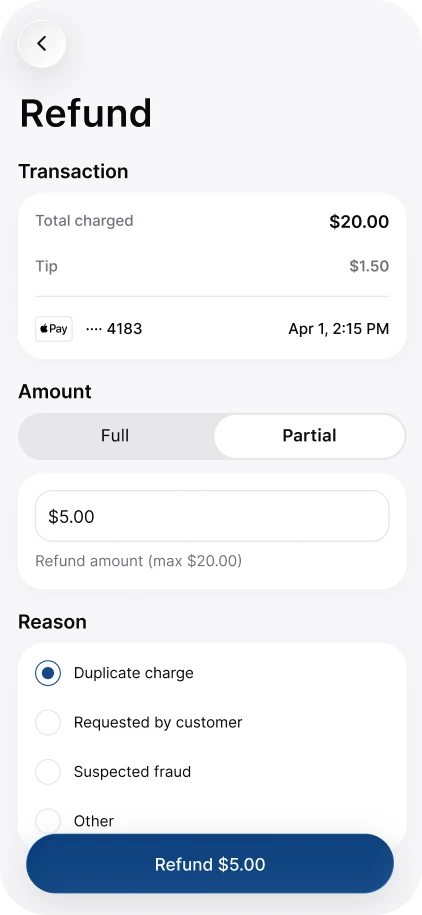
Refunds
Refund all or part of a sale right from the transaction. The money returns to the same card or account the customer paid with, with no separate request to fill out.
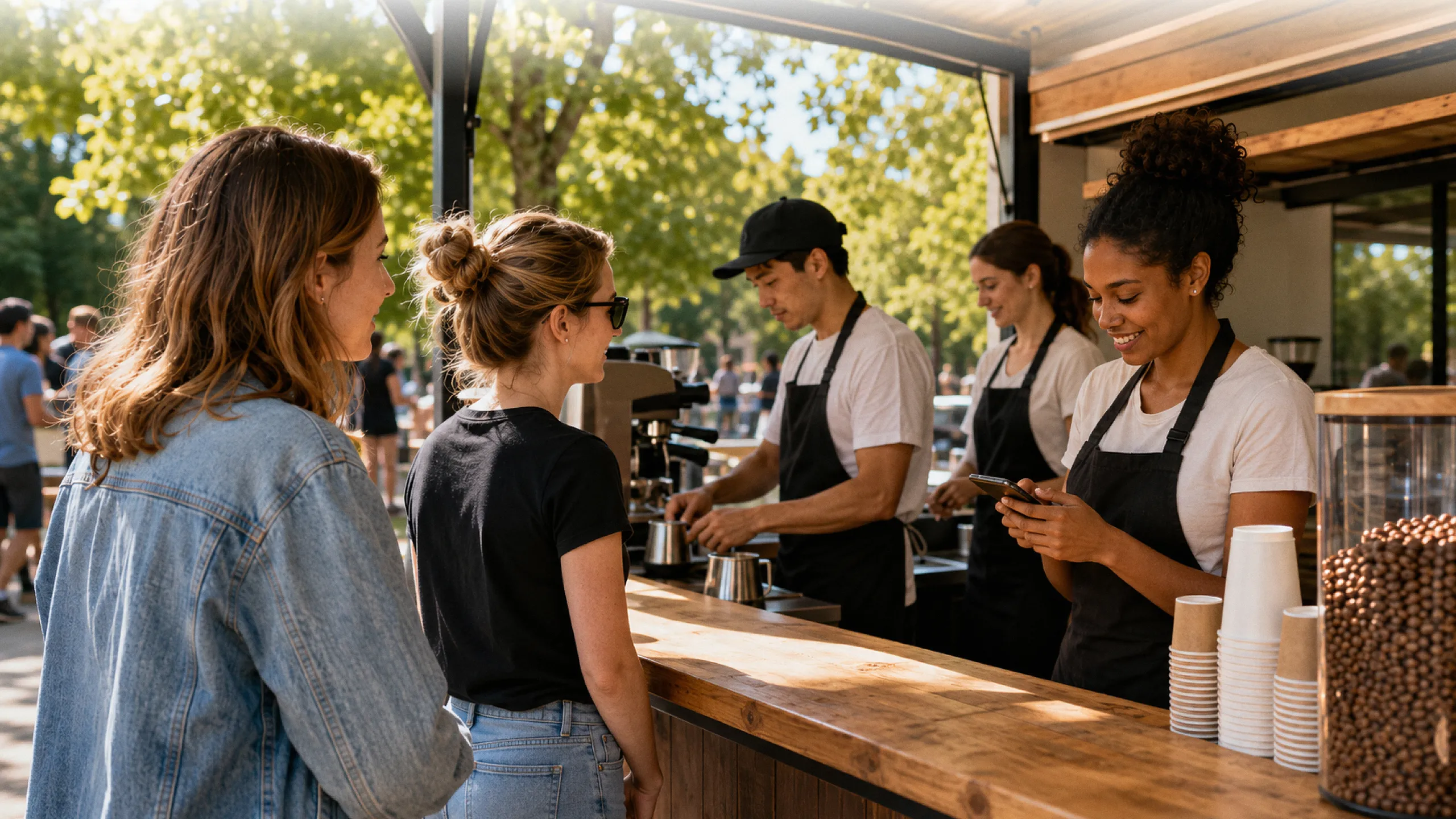


Business
coming soon
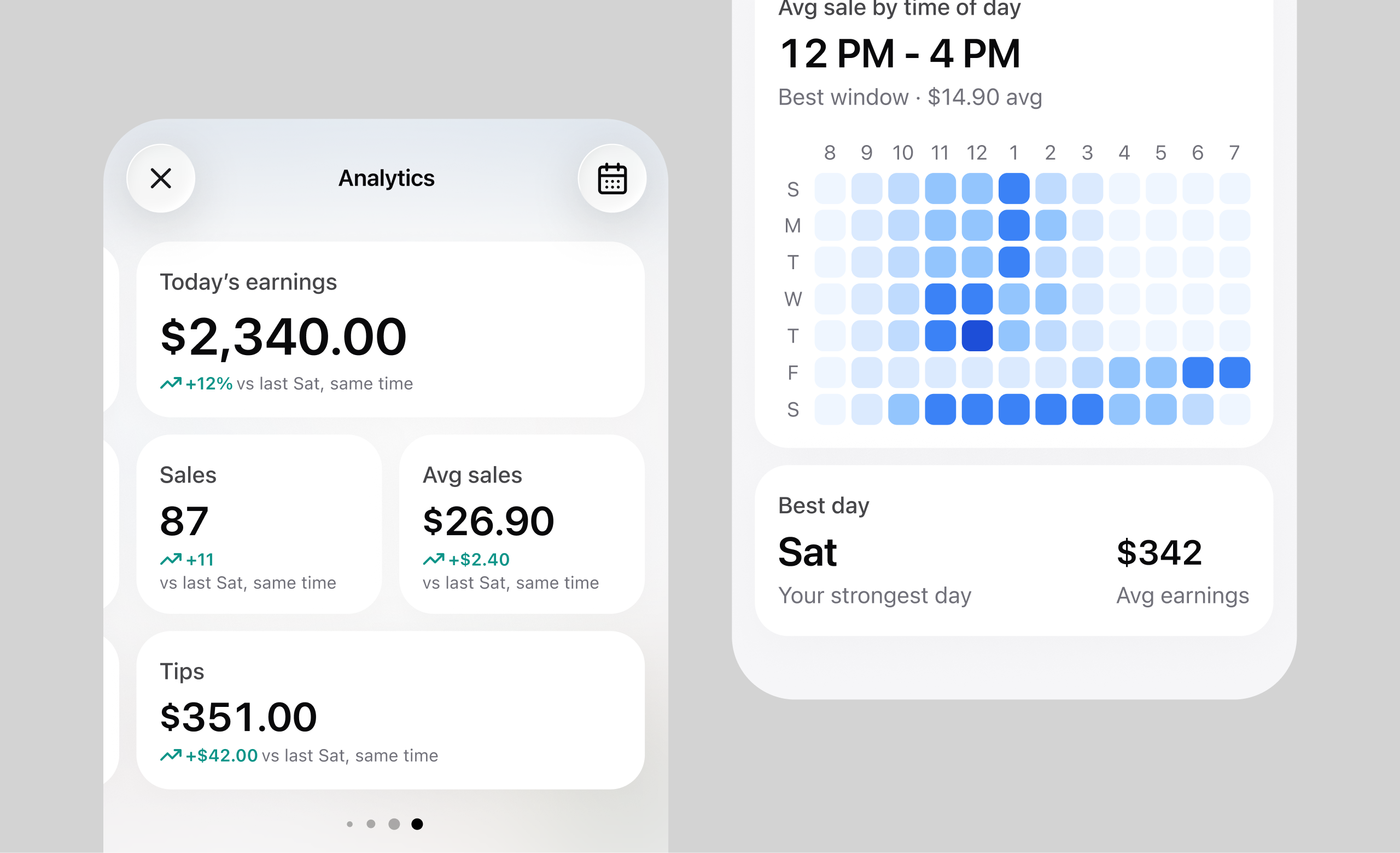
Team analytics
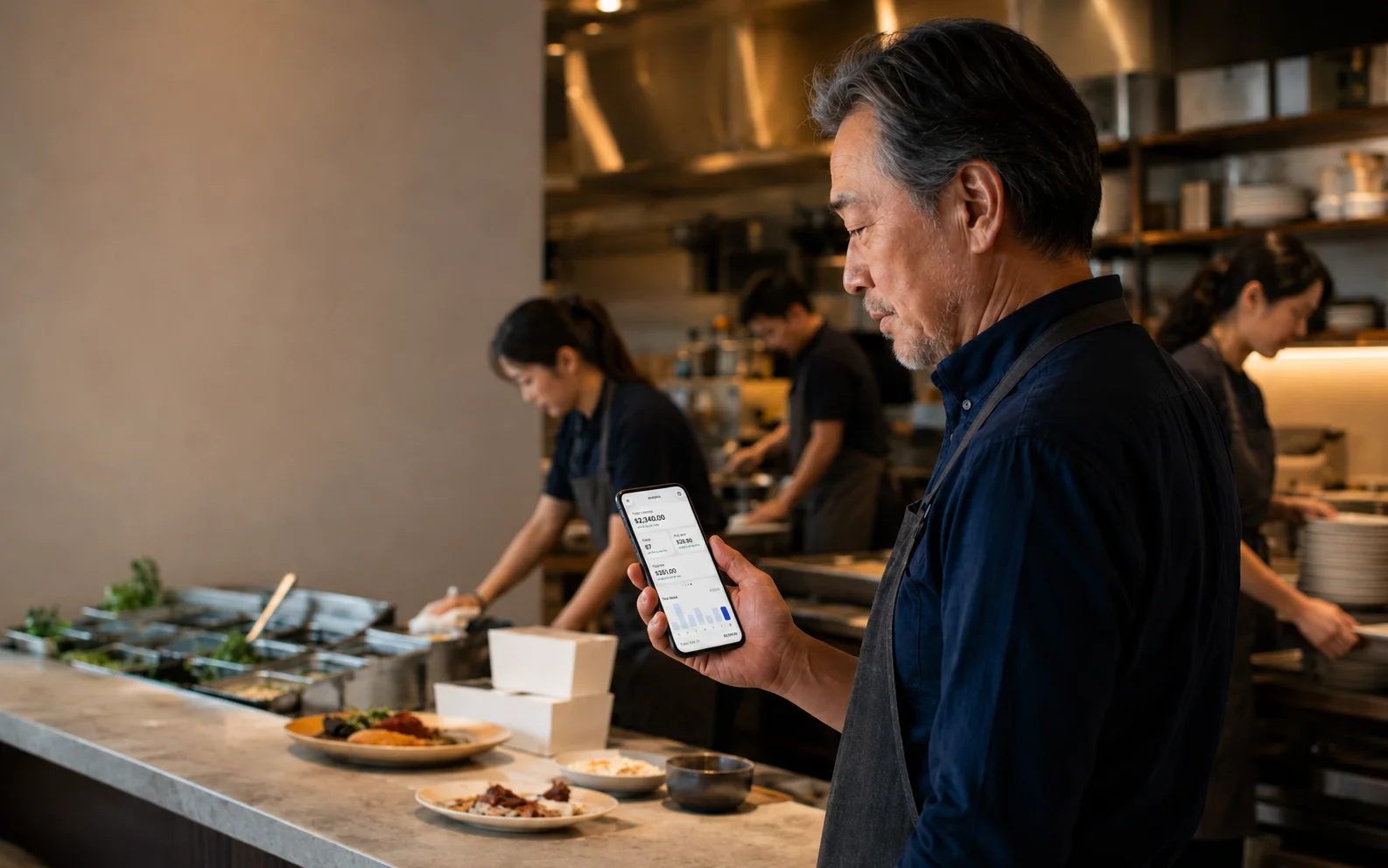
See top sellers, busiest hours, and each teammate's sales.
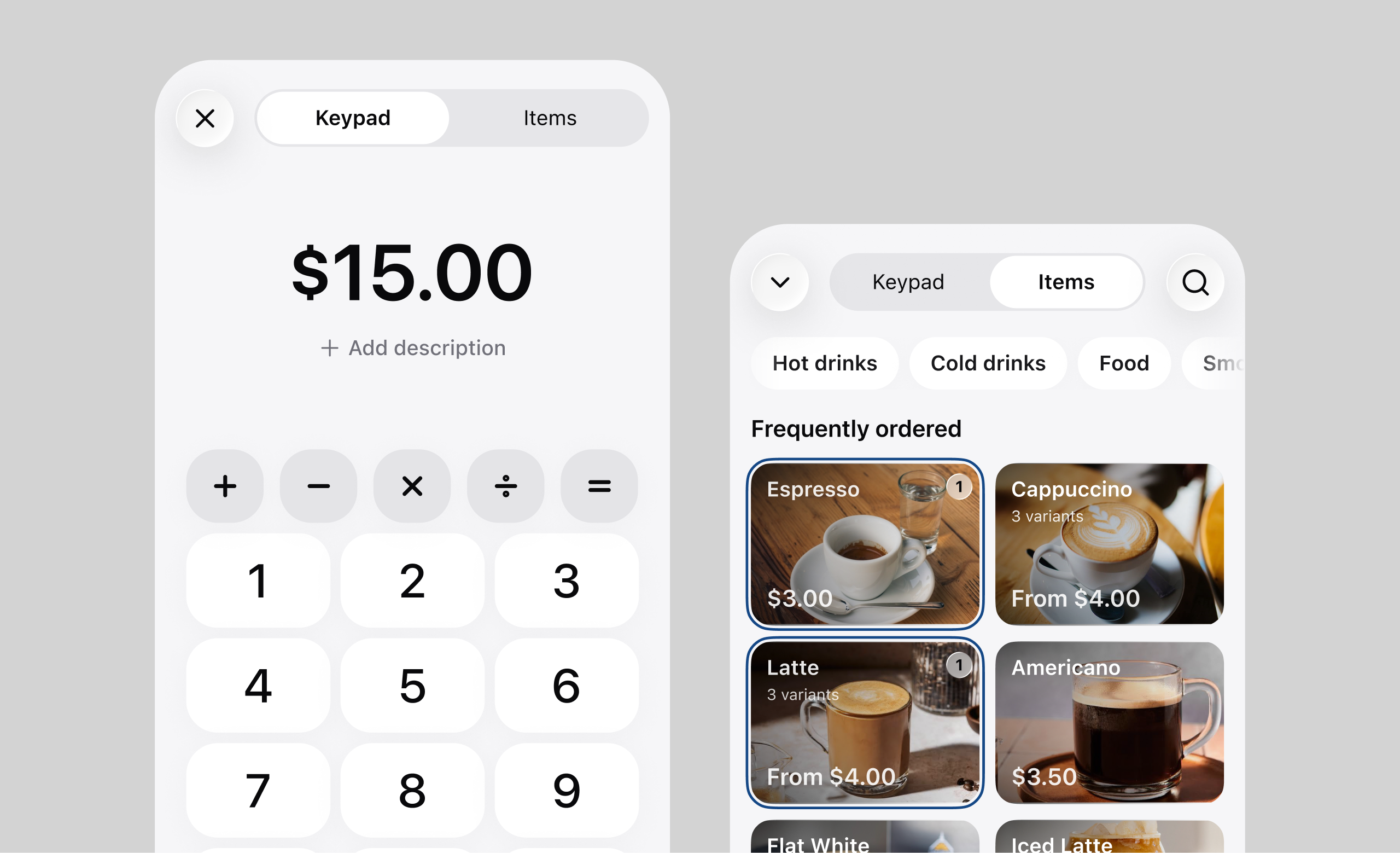
Pre-typed menus
Create your menus in advance. Quickly charge customers with a tap during a rush.
Multiple devices, one business
Your whole crew can use their phones to process sales, and you get to see every transaction.




Your next sale should not wait on cash